Web-to-print software for photo products
Five browser editors and two AI systems, white-label under your own brand. Your customers personalize the product. Your press gets a print-ready file.
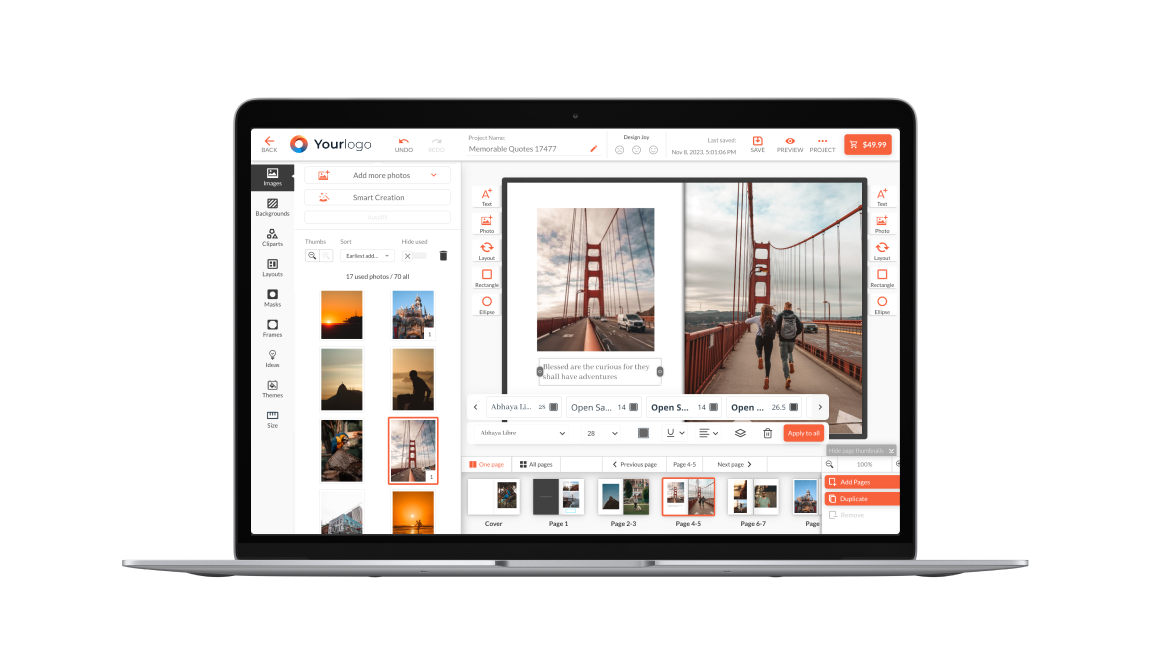
Web-to-Print Online Designer and Design Software
A web-to-print online designer is the browser-based editor your customers use to personalize a product before they order it. In Printbox it sits inside your own store, on your domain, under your branding. Customers upload photos, place text and see the print-ready result as they work. Nothing gets installed and nothing gets downloaded. The web to print design software runs in HTML5, so the same editor opens on a phone, a tablet and a desktop. What leaves the editor is a production file your press can print without a designer touching it first.
Comparing vendors? Our guide to the best web-to-print software in 2026 puts the leading platforms side by side.
Multiple Dedicated Editors for Every Product Type
Most platforms give you one web to print editor and expect every product to fit it. A 60-page photobook, a batch of 4x6 prints and a single mug do not have the same job, so Printbox gives you five.
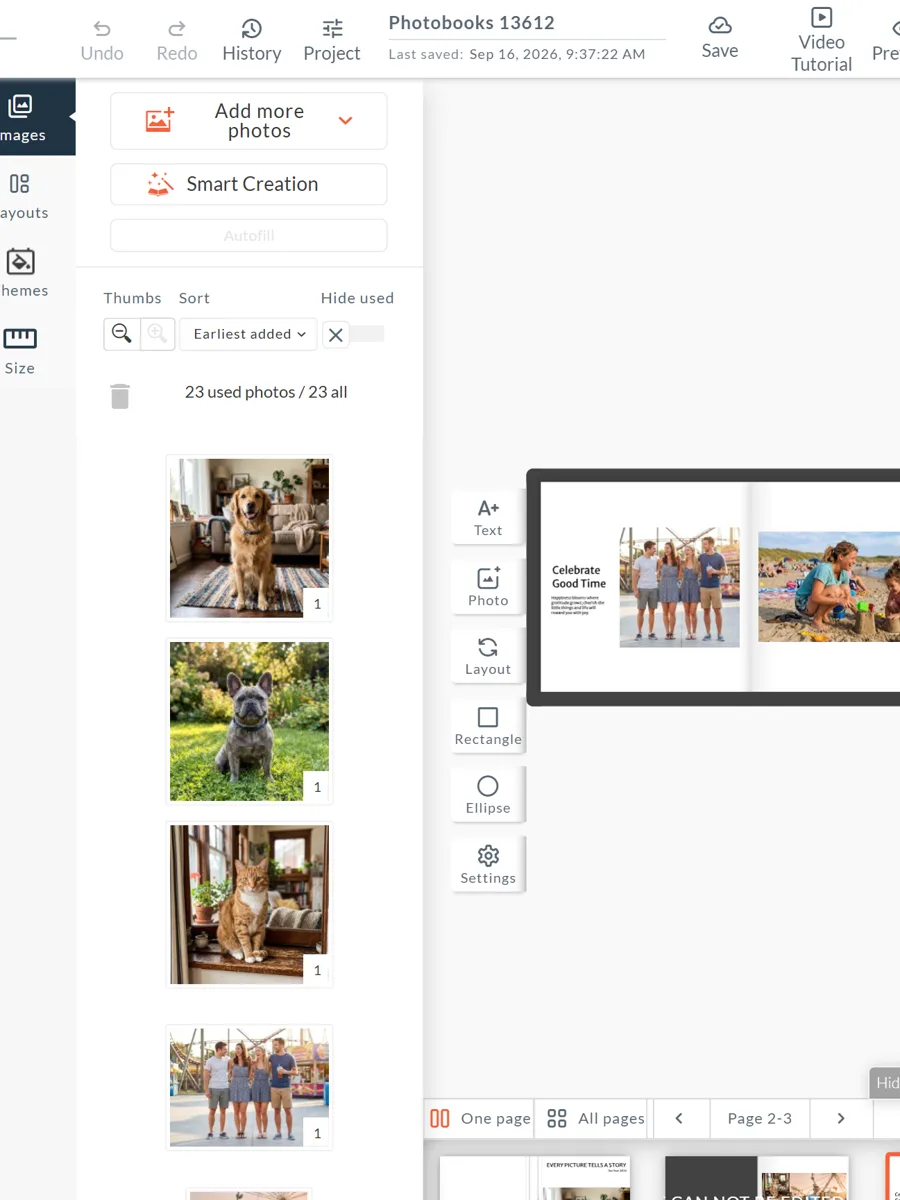
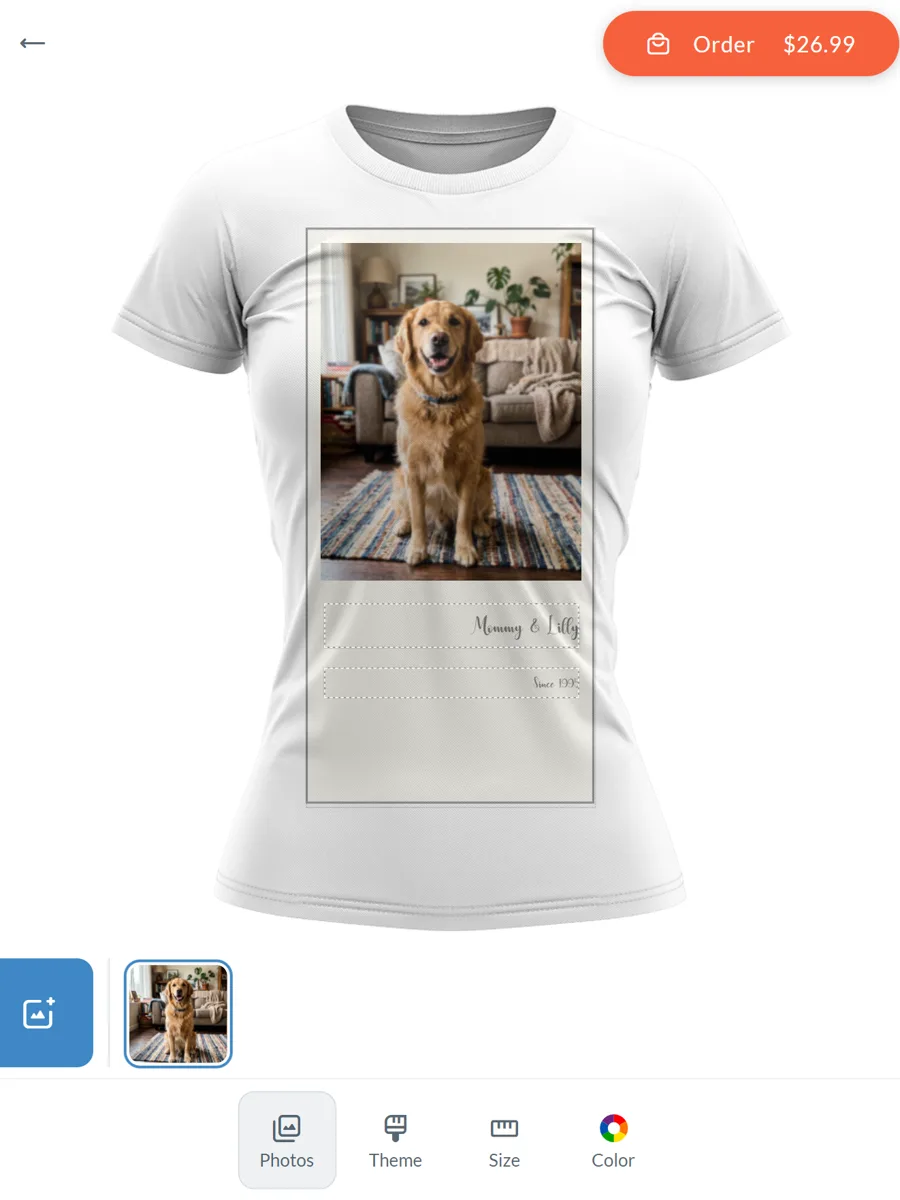
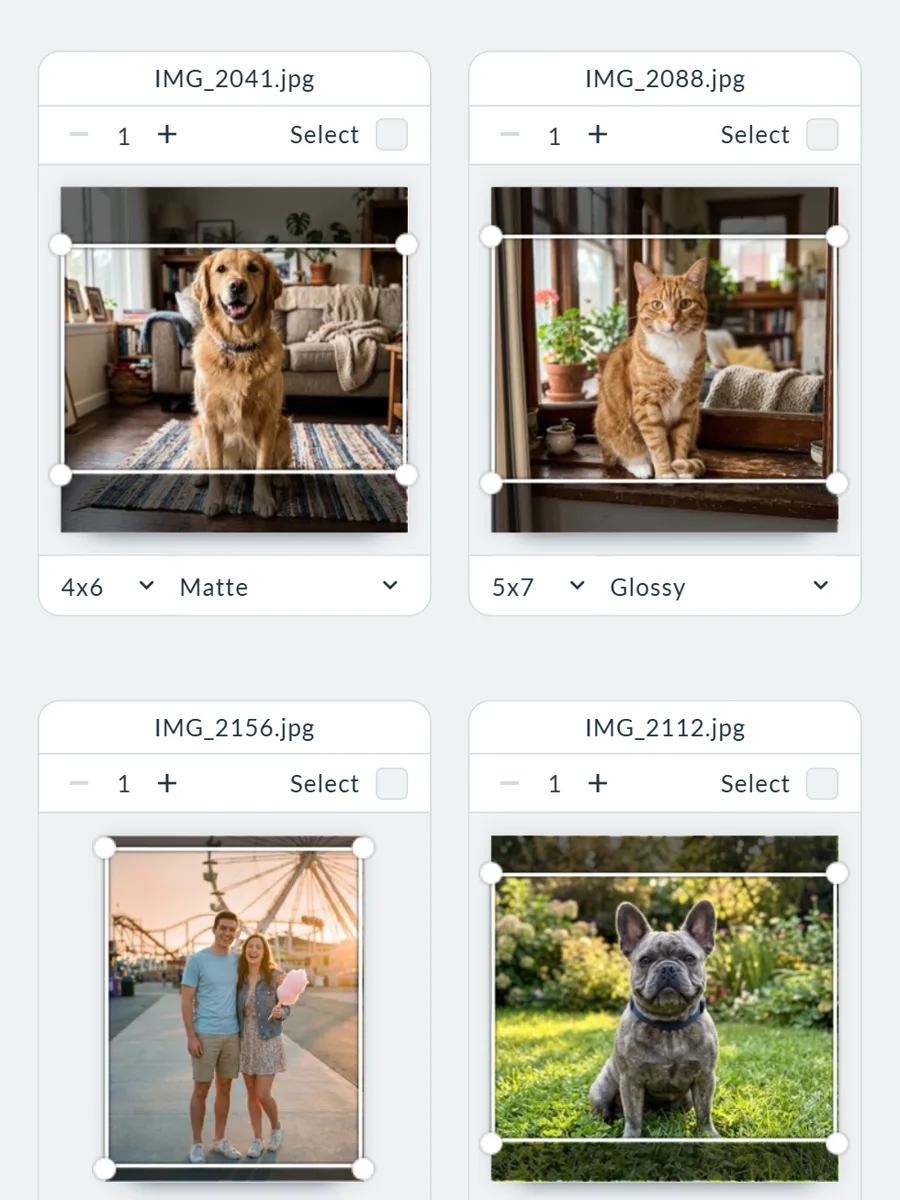
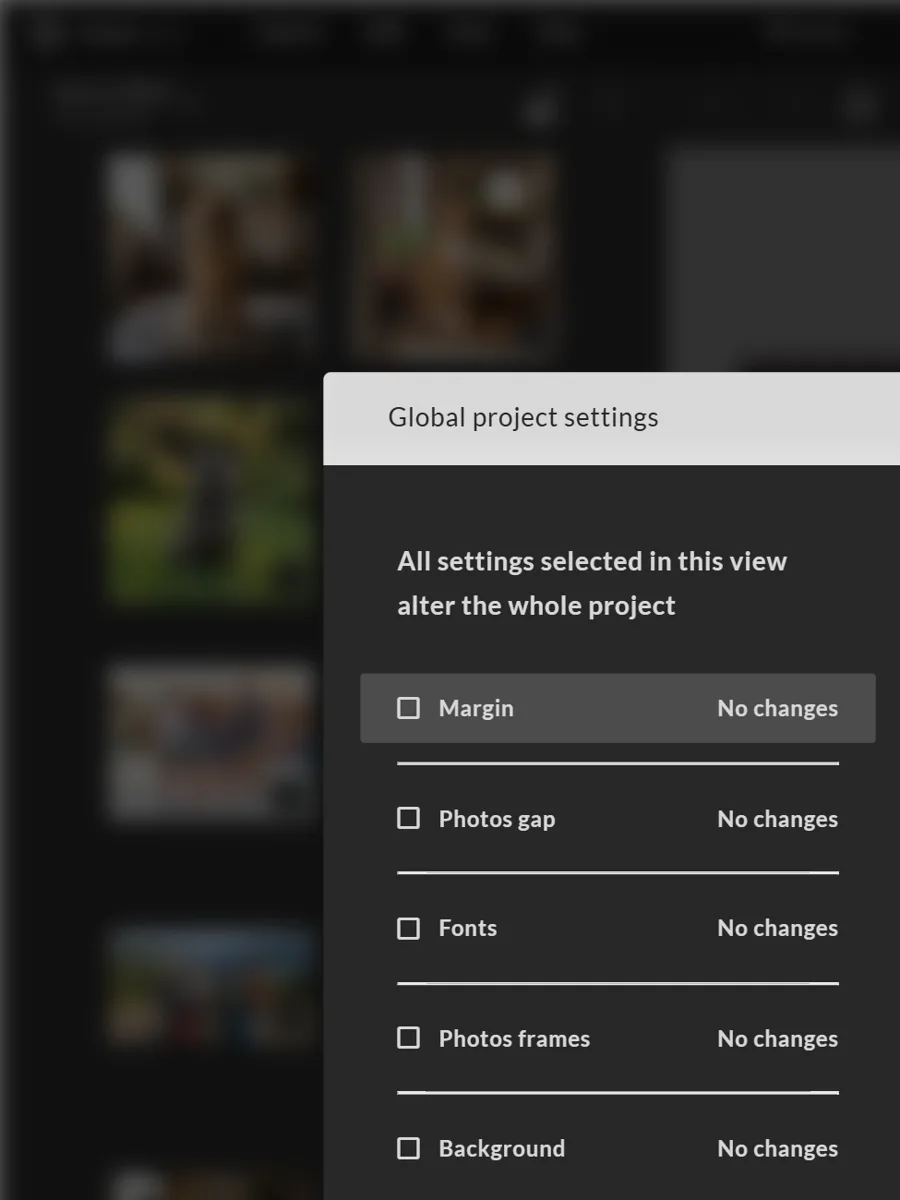
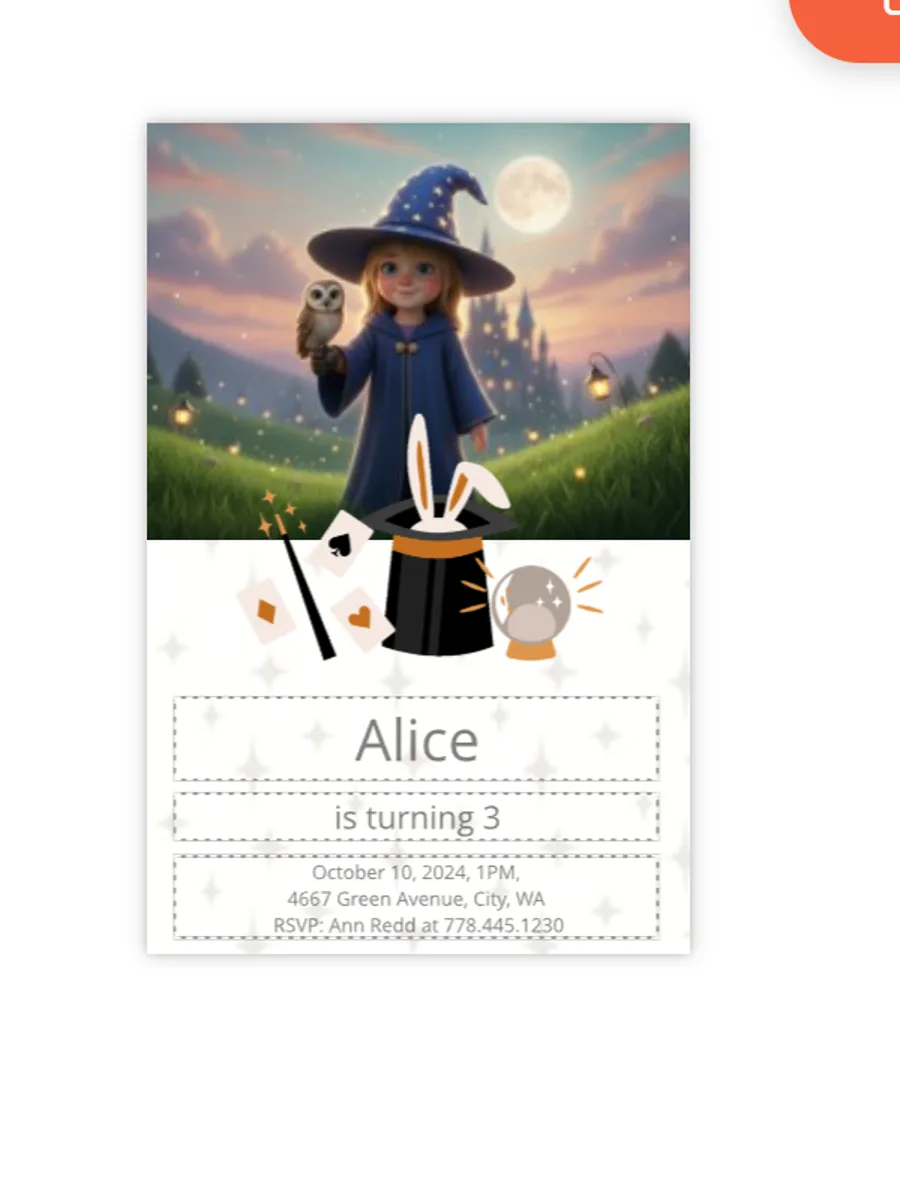
All five run on the same platform, the same admin panel and the same product catalogue, so adding or changing the editor behind a product does not mean a second integration.
AI-Assisted Design Creation
Not every customer wants to design. Printbox has two AI systems for the ones who do not, and they do different jobs.
Smart Creation
Takes a set of photos and builds a finished project out of them. It sorts, groups and lays out, so the customer edits a result instead of facing an empty page. It is Printbox's own technology, not a third-party add-on.
Masterpiece AI
Generates artwork rather than arranging photos: text to image, image to image, and a design built from a logo or a reference picture. It runs inside the Flex Editor, and your store connects to it through the Shopify app, native Shopware 6 or the API.
Mobile-First and Cross-Device Personalization
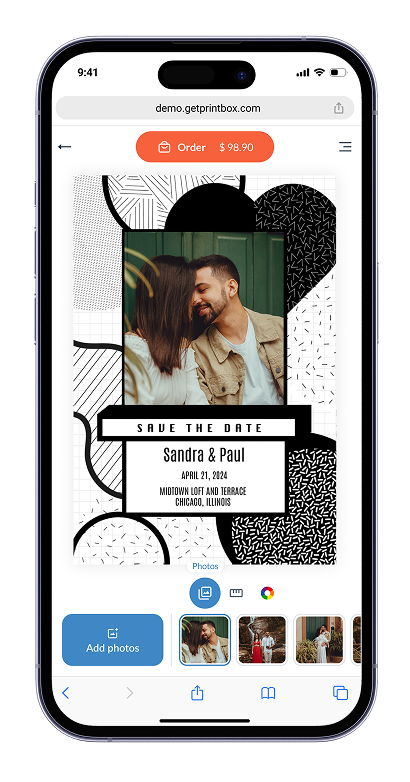
A web to print designer that only behaves on a desktop loses the customer who arrived on a phone, and that customer does not come back on a laptop to finish the job. The Flex Editor is built mobile-first: your customer designs and previews on the phone they are already holding.
- HTML5, so there is no app to install.
- 3D preview before the order is placed.
- Signed in, the same project opens later on a tablet or a desktop without starting over.
Brand Control and White-Label Storefront Themes
Your customers should see your brand, not ours. Printbox is a white-label web-to-print platform: the design tool carries your colours, your fonts and your logo, and the Storefront module configures the buying path around it, from what the customer chooses first to where the editor opens.
How far Printbox reaches into your stack is your call, and it changes what you run yourself.
Everything included
Storefront, checkout and hosting come with the package, with ready-developed payment add-ons for local gateways.
Your shop stays yours
Products, checkout, payments, taxes and promotions stay fully within Shopify. Printbox adds the embedded editor and syncs orders.
Connected, not replaced
Checkout and payments stay native to the platform you run. Printbox connects personalization and order data into it.
Personalize Any Product with Printbox's Design Software
One platform, one admin panel, one catalogue, and a different editor behind each product category. The web-to-print design tool is the same in all of them, configured per product rather than rebuilt per product.
Frequently Asked Questions
What is a web-to-print online designer?
It is an editor that runs in the browser and lets a customer personalize a product before ordering it. The customer adds photos and text, sees the result immediately, and the tool produces a print-ready file at the end. No software is installed on either side.
What types of products can I personalize with Printbox's design software?
Photo products are where we have the deepest experience: photobooks, photo albums, calendars, prints, wedding albums, single-photo products and stickers are all live today. Beyond those, effectively any photo or personalizable product can be built on Printbox, because each category runs on the editor that suits it rather than one generic tool, and new categories are added through configuration in the admin panel.
Does the design tool work on mobile devices?
Yes. The editors are HTML5, so they open in a mobile browser with no app to install. The Flex Editor is built mobile-first for products customers finish on a phone. When the customer is signed in, a project started on one device opens on another without starting again.
Can customers preview their design in real time before ordering?
Yes. The preview updates as the customer works, so what they approve is what goes to production. This is the point in the process where most returns and reprints are prevented, because the customer sees the crop, the bleed and the page layout before paying.
Does the editor support AI-assisted design creation?
Yes, through two separate systems. Smart Creation builds a finished project from a set of uploaded photos and can cut photobook creation time by up to around 60 to 70%. Masterpiece AI generates artwork from text, from an image or from a logo, and runs inside the Flex Editor. Both sit alongside the manual online web to print editor rather than replacing it.
Is the designer white-label, or does it show Printbox's branding?
It is a white-label platform. The editor and the storefront carry your colours, fonts and logo, and the storefront themes are yours to configure. Transactional and checkout emails are brandable as standard.
Does Printbox replace my e-commerce platform?
Only if you want it to. The Shopware package hosted by Printbox comes with a full e-commerce solution included: storefront, checkout and hosting, with ready-developed payment add-ons for local gateways. If you integrate through Shopify or your own platform, checkout and payments stay native to that platform and Printbox connects personalization and order data into it.
See it on your own products
Twenty minutes on your catalogue, your formats and your production setup. No deck.
- We look at the products you sell today and which editor fits each one.
- We show the admin panel, not a slide about the admin panel.
- You get a written follow-up with scope and next steps.
Stay connected through our social media profiles: